Reviews
Nubik: Create Your Place offers a unique blend of creativity and gameplay. Building levels is intuitive, and testing them with a friend or bot adds replayability. The variety of elements keeps each creation fresh. It is a safe, engaging game that encourages problem-solving and teamwork. Perfect for all ages.
About this game
Game Introduction
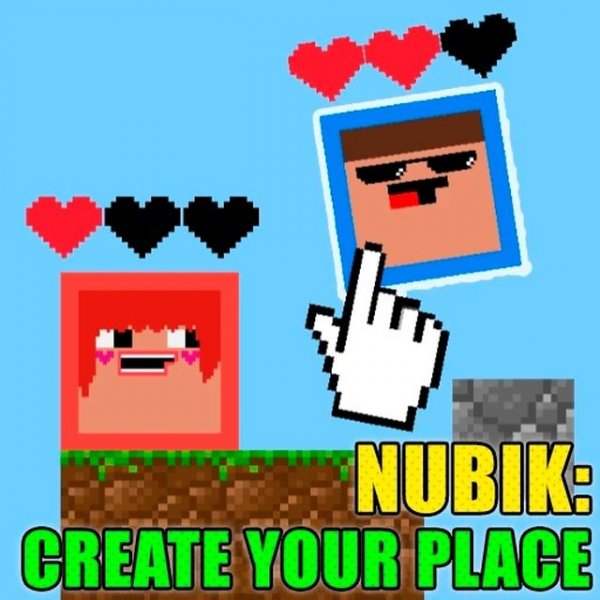
Nubik: Creative Builder Online Game is a browser-based platformer level editor where you design your own playable stages. Starting from a blank field, you can place blocks to build land, platforms, and interactive elements. The game offers different genres to choose from, each providing a unique visual theme for your creation. This game is safe for all ages and runs on PC, mobile, and tablet devices.
How to Play
To create a level, click the 'Create Experience' button and pick a genre. Then select blocks from a palette at the bottom of the screen and place them on the field. You can build solid platforms, add collapsing areas that break when stepped on, or include trampolines that launch characters upward. When your level is ready, click 'Start Game' to test it. One player uses 'WASD' keys and the other uses arrow keys. You can play against a computer-controlled opponent or invite a friend. If you want to redesign, simply start over.
Game Features
Creative level builder: Design unique platformer levels from scratch using a variety of block types. Multiplayer mode: Play with a friend or against a computer opponent. Easy controls: Simple keyboard inputs for two players. Variety of elements: Add collapsing blocks, trampolines, and more. Family-safe: No violence or inappropriate content. Works on PC, mobile, and tablet.
Tips for Success
Start by building simple platforms to understand how the game mechanics work. Experiment with different block types to see how they affect gameplay. Test your level frequently to ensure it is fun and playable. Use trampolines and collapsing blocks to add challenge and variety. Invite a friend to play your creation and get feedback. Keep your designs balanced—not too easy, not too hard—to make them enjoyable for everyone.
Compatibility:
✅ Works on PC & Mobile | Recommended: Chrome / Safari / Edge
 NumberTap Arcade