 NumberTap Arcade
NumberTap Arcade
NumberTap Arcade
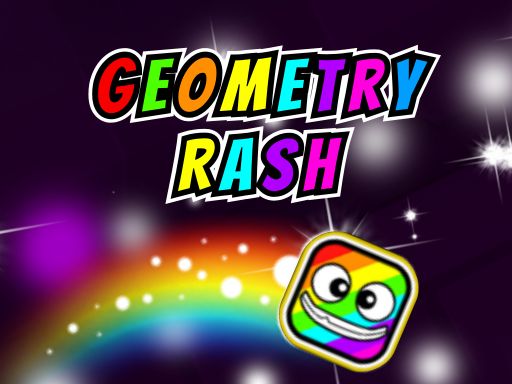
Geometry Dash Arcade Runner offers a pure reflex challenge that is both addictive and rewarding. The simple one-button control scheme makes it easy to start, but the escalating difficulty keeps you coming back. The variety of movement modes, from flying to speed boosts, adds depth without overcomplicating the gameplay. It is an excellent choice for players who enjoy testing their timing and coordination.
Geometry Dash Arcade Runner is a free online arcade game that focuses on quick reflexes and precise timing. Players guide a character through a series of levels filled with various obstacles. The game is known for its high-speed action, requiring players to react instantly to changing environments. As players progress, they encounter different movement modes, such as a flying vehicle and a speed-boosting rocket, which add variety and challenge. Each level presents a new set of obstacles, encouraging players to learn patterns and improve their skills. The game is designed to be engaging for short play sessions or longer periods of practice.
Players control their character using simple keyboard inputs, typically the spacebar or arrow keys. The main action involves jumping over or avoiding obstacles like spikes and barriers. Timing is critical, as even a small mistake can end the run. As players advance, they unlock new movement forms that require different control techniques. For example, the flying mode requires holding a button to maintain altitude, while the rocket mode boosts speed. Collecting coins throughout the levels allows for character customization. Mastering each movement type is key to progressing through the game.
This arcade game includes multiple levels that gradually increase in difficulty. Players can unlock various gameplay forms, such as a flying ship and a rocket, which change how the character interacts with the environment. A coin collection system is available, allowing players to purchase new character skins for visual customization. The controls are responsive, rewarding precise inputs. The game offers a progressive challenge that keeps players engaged, making it suitable for both quick gaming sessions and extended play.
Practice each movement form separately to understand its unique controls. Focus on timing your jumps and movements carefully, as obstacles require precise actions. Collect as many coins as possible early on to unlock helpful customizations. If you get stuck on a level, take a short break and return with a fresh perspective. Learn from each attempt by observing obstacle patterns and adjusting your strategy accordingly.

A charming and challenging platformer that rewards precise timing. Perfect for quick play sessions.
A delightful endless runner with cute visuals and simple controls. Perfect for quick, fun sessions.
A cheerful platformer with bright visuals and simple fruit-collecting mechanics. Great for casual play.
A fun, simple 3D arcade game that tests reflexes and offers endless replayability.
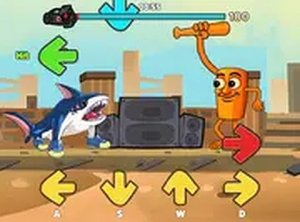
A fun rhythm game with a creative music maker mode and multiple themes. Great for quick sessions.

A fun, chaotic arcade game that tests your reflexes. Simple controls and addictive star collection make it a great time.
A delightful holiday arcade game with simple controls and cheerful graphics. Perfect for family fun.
A delightful family arcade game where you protect your penguin home with strategy and teamwork. Simple, fun, and engaging.
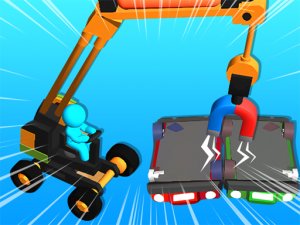
A relaxing and creative building game that turns trash into treasure. Perfect for all ages.